If your website is slow, image format might be why. Images often make up 50–70% of a page’s total weight — and choosing the wrong format can add hundreds of KB to every photo.
Here’s what to use in 2026, and why.
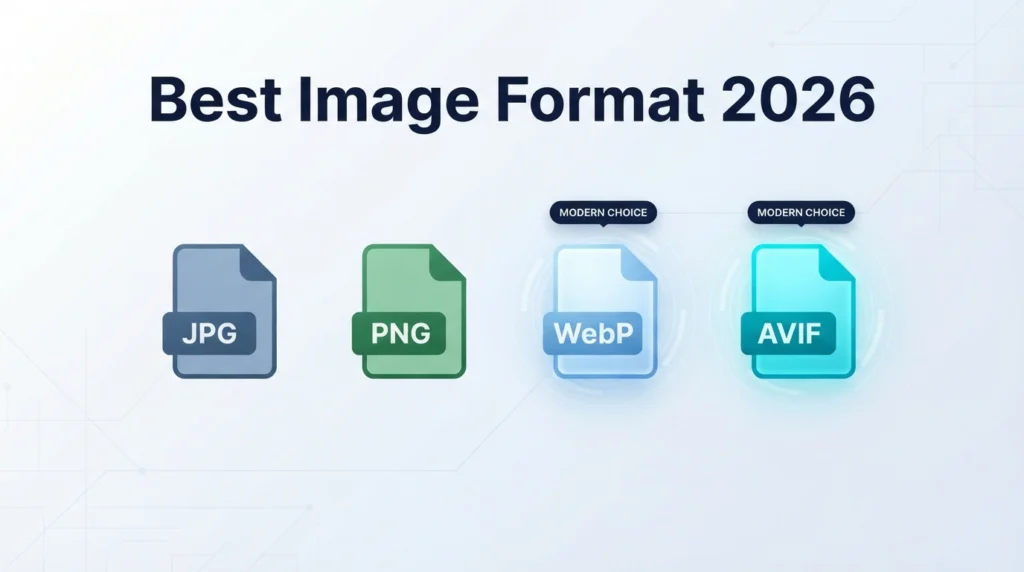
The four main contenders
JPG
The old reliable. Universally supported, small files for photos, but no transparency. Still a solid choice for photos when you need maximum compatibility.
PNG
Lossless, supports transparency, larger files than JPG. Best for logos, icons, and screenshots. Not ideal for photographs.
WebP
Google’s modern format. Produces files 25–35% smaller than JPG at the same quality. Supports transparency and animation. Supported in every modern browser (Chrome, Safari, Firefox, Edge).
AVIF
The newest format. Up to 50% smaller than JPG, with better quality at low bitrates. Supported in Chrome, Firefox, and Edge on most platforms, and Safari 16+. Encoding is slower, so it’s best for pre-processed static images.
What we recommend in 2026
For most websites:
- Serve WebP. It’s the best balance of size, quality, and compatibility. Every modern browser supports it.
- Fallback to JPG for the few remaining old browsers (less than 1% of traffic).
For performance-obsessed sites:
- Serve AVIF with WebP fallback. AVIF gives the smallest files, WebP catches the browsers that don’t decode AVIF.
For logos and graphics:
- Use SVG when possible. Vector graphics are tiny and infinitely scalable.
- Use PNG or WebP for raster graphics that need transparency.
How to choose for each image
| Image type | Best format |
|---|---|
| Hero photo, blog feature image | WebP (or AVIF) |
| Product photos | WebP |
| Logos and icons | SVG |
| Raster logos with transparency | WebP or PNG |
| Screenshots | PNG or WebP |
| Print-ready files | JPG or TIFF (high quality) |
| Email attachments | JPG (for max compatibility) |
Practical workflow
- Take the photo or find your source image.
- Resize it to the display dimensions — a 4000 px image is wasted on a 1200 px slot. Use Resize Image.
- Convert to WebP. Use Convert Image.
- Compress to the size you need. Use Compress Image with target size or quality.
- Upload to your site.
Real-world numbers
For a typical 3000 × 2000 px photo at quality 80:
- JPG: ~450 KB
- WebP: ~300 KB
- AVIF: ~220 KB
Multiply that by 30 images on a page and you can see why format choice matters.
Frequently asked questions
Should I use AVIF for everything?
Not yet. AVIF is smaller, but encoding takes longer and older devices are slower to decode. WebP is the safer default for most sites.
Are there formats I should avoid?
GIF for photos (huge files), BMP (no compression), and TIFF for web (huge files). All three are better replaced with WebP or JPG.
Do I need to keep JPG copies?
Keep the original JPG or HEIC as a master. Convert a copy to WebP for the website. That way you can re-export if you redesign.
Does WordPress support WebP and AVIF?
Yes — WordPress 5.8+ supports WebP natively, and AVIF is supported in recent versions. Most optimization plugins handle both.
Try it now
Use our Convert Image tool to turn your JPGs and PNGs into WebP. Free, private, no upload.