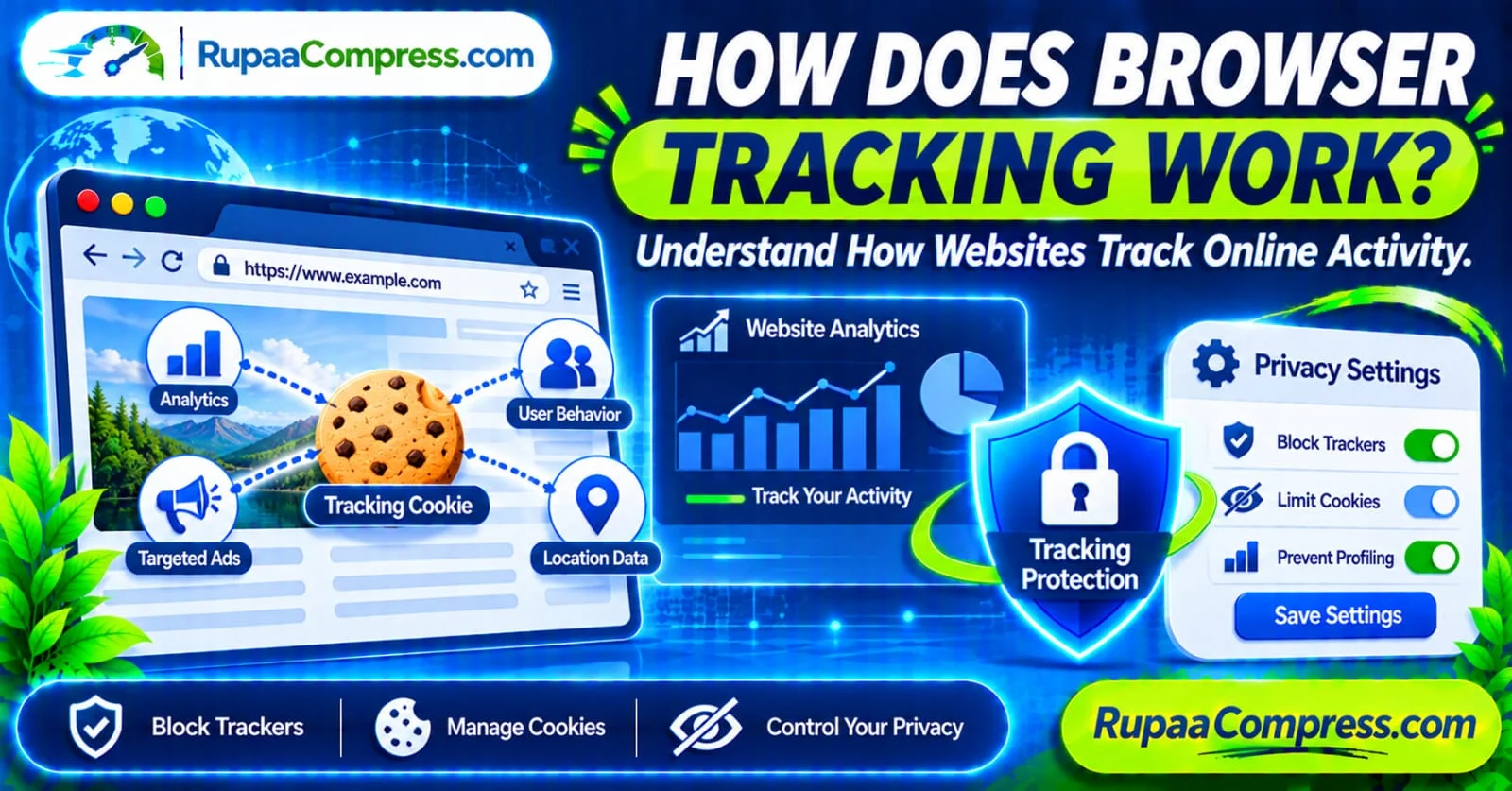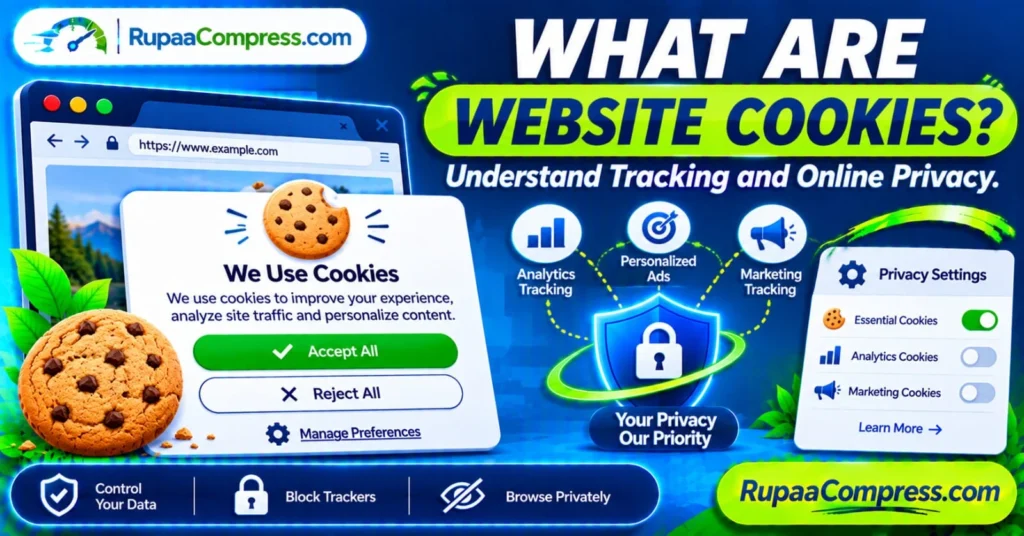
Every time you visit a website, you may see a pop-up asking you to accept, reject, or manage cookies. Many internet users automatically select “Accept All” to access the website without considering what they are agreeing to.
But what are website cookies? Why do websites use them, and how can they affect your online privacy?
Website cookies play an important role in how the modern internet works. They help websites remember login sessions, save shopping cart items, store preferences, measure website performance, and support online advertising.
However, some cookies can also be used to monitor browsing activity and build profiles of users’ interests.
Understanding what website cookies are and how cookie tracking works can help you make better privacy decisions, manage your browser settings, and control how websites use your information.
In this guide, we explain the different types of website cookies, their benefits, potential privacy risks, and practical ways to manage them. We will also explore how to handle personal images more carefully when using online image tools such as RupaCompress.
What Exactly Are Website Cookies?
A website cookie is a small piece of information that a website asks your browser to store on your computer, smartphone, or another internet-connected device.
When you visit the same website again, your browser may send the relevant cookie information back to that website. This allows the website to recognize your browser and remember certain information from previous visits.
For example, cookies can help a website:
- Keep you signed in between page visits.
- Remember your preferred language.
- Save products in your online shopping cart.
- Maintain your shopping or booking session.
- Remember certain website preferences.
- Measure visitor activity and website performance.
- Support advertising and marketing services.
Cookies generally contain information such as a unique identifier, session information, or preference values. They do not normally function as complete records of everything stored on your device.
Importantly, a cookie does not automatically give a website access to your personal files, photographs, or documents.
How Do Website Cookies Work?
Website cookies work through communication between your web browser and the website’s server.
When you open a website, the server may send a cookie to your browser through an HTTP response. Your browser stores it according to the cookie’s settings.
When you visit the website again, the browser may include that cookie in a later request. The website can then use the information to recognize an existing session or retrieve saved preferences.
Here is a simplified example:
- You visit a website: Your browser requests a webpage from the website’s server.
- The website creates a cookie: The server sends a cookie containing information such as a session identifier.
- Your browser stores the cookie: The cookie is saved according to its expiration and security settings.
- You return to the website: Your browser sends the relevant cookie when making an eligible request.
- The website recognizes your session: The website uses the information to restore your login session or preferences.
Not every cookie works in exactly the same way. Some disappear when you close your browser, while others remain until they expire or you delete them.
Different Types of Website Cookies
Not all website cookies are designed for the same purpose. Understanding their differences helps you decide which cookies are necessary and which ones you may prefer to reject.
1. Essential Cookies
Essential cookies are required for important website functions.
For example, when you sign in to an online banking service, an essential cookie may help maintain your authenticated session while you navigate between pages.
Common uses include:
- Secure login sessions.
- Shopping cart functionality.
- Payment and checkout processes.
- Security and fraud prevention.
- Basic website navigation.
These cookies are generally necessary for the service you request. Depending on the applicable privacy laws, websites may not need consent for strictly necessary cookies, but they should still explain their use.
2. Functional Cookies
Functional cookies remember choices you make on a website.
For example, a website may use them to remember your preferred language, region, display settings, or other customization preferences.
They can make websites easier to use because you do not need to select the same preferences every time you return.
3. Analytics Cookies
Analytics cookies help website owners understand how visitors interact with their websites.
Depending on the analytics service and configuration, they may help measure:
- Number of website visits.
- Popular pages and articles.
- Visitor navigation patterns.
- Traffic sources.
- Time spent on pages.
- Browser and device categories.
Website owners use this information to identify technical problems, understand content performance, and improve user experience.
Analytics information is not automatically anonymous. Some analytics systems collect identifiers or information that may be associated with individual users or devices.
4. Advertising and Marketing Cookies
Advertising cookies help advertising services understand user interests and measure advertising performance.
For example, after visiting an online shopping website, you might later see advertisements for similar products on another platform.
This can happen when advertising technologies use information such as cookie identifiers, browsing events, or other tracking signals.
Depending on the advertising system, this information may support:
- Personalized advertisements.
- Advertising frequency management.
- Campaign performance measurement.
- Audience segmentation.
- Advertising attribution.
5. Third-Party Cookies
A third-party cookie is generally associated with a domain different from the website you are visiting.
For example, a website may include an advertising, analytics, or embedded content service provided by another company. That external service may attempt to store or access cookies through your browser, depending on browser restrictions and privacy settings.
Third-party cookies have historically played an important role in cross-site advertising and tracking.
However, browser support and restrictions differ. Some browsers block or limit third-party cookies, and the availability of these tracking methods continues to change.
What Is the Difference Between First-Party and Third-Party Cookies?
The main difference is the relationship between the cookie’s domain and the website you are visiting.
First-party cookies are associated with the website you directly visit. They commonly support login sessions, language preferences, shopping carts, and website functionality.
Third-party cookies are associated with a different domain that may provide services embedded in the website, such as advertising or analytics.
| Feature | First-Party Cookies | Third-Party Cookies |
|---|---|---|
| Domain | Website you visit | External domain |
| Common purpose | Login and preferences | Advertising and tracking |
| Shopping cart support | Common | Not usually |
| Cross-site tracking | More limited | Historically common |
| Browser restrictions | Generally less restricted | Often restricted or blocked |
A website can use first-party cookies for useful functionality without necessarily tracking you across unrelated websites.
Why Do Website Cookies Matter for Online Privacy?
Cookies can improve website functionality, but certain tracking practices may create privacy concerns.
The level of risk depends on the information collected, how it is combined with other data, and how that information is used or shared.
1. Browsing Activity Tracking
Some tracking technologies can record interactions across websites.
This information may include the pages you visit, products you view, advertisements you interact with, and other browsing events.
When combined with other identifiers, this activity can contribute to a detailed profile of your online interests.
2. Personalized Advertising
Advertising platforms may use browsing signals to show advertisements related to your interests.
For example, if you frequently visit websites about travel, you may see advertisements for hotels, flights, or holiday packages.
Personalized advertising can be useful, but some users may not want their browsing activity used for this purpose.
3. Data Collection and Sharing
Some websites use external advertising and analytics providers.
Depending on the services and privacy settings involved, information may be shared with these providers for measurement, advertising, or other purposes.
It is important to review a website’s privacy policy and cookie settings to understand what information may be collected and how it is used.
4. Loss of Control Over Personal Preferences
When you accept optional cookies without reviewing the settings, you may allow additional tracking technologies to operate.
This does not mean every cookie is dangerous. However, reviewing cookie preferences gives you more control over which optional technologies you allow.
Are Website Cookies Dangerous?
Website cookies are not inherently dangerous. They are a standard part of modern web technology.
Essential cookies, for example, help websites maintain secure sessions and remember information needed to provide services.
However, cookies can create privacy and security concerns when they are used improperly or configured insecurely.
Potential issues include:
- Unwanted tracking across websites.
- Excessive collection of browsing information.
- Insecure handling of session identifiers.
- Poorly configured cookies that expose sensitive session data.
- Sharing information with advertising or analytics providers without appropriate transparency or consent.
The important distinction is between the technology itself and how websites use it.
A properly configured session cookie can support website security, while a poorly secured cookie may increase the risk of account or session compromise.
How to Manage Website Cookie Preferences
You do not have to accept every optional cookie when visiting a website.
Most websites that display cookie consent controls provide options to manage preferences.
Follow these practical steps:
Step 1: Review the Cookie Banner
When a cookie banner appears, look for options such as:
- Accept All.
- Reject All.
- Manage Preferences.
- Cookie Settings.
If you do not want optional tracking, choose the rejection option where available or open the preference settings.
Step 2: Understand the Cookie Categories
Some websites divide cookies into categories such as essential, functional, analytics, and advertising.
Review each category before making your selection.
Keep in mind that essential cookies may remain active because they are needed for the website to operate.
Step 3: Disable Unnecessary Tracking
If the website provides separate controls, consider disabling analytics or advertising cookies that you do not want to allow.
Save your preferences before leaving the settings panel.
Step 4: Review Your Preferences Later
Cookie settings may change when a website updates its services or introduces new providers.
Review your preferences occasionally, especially on websites where you have accounts or regularly share personal information.
How to Manage Cookies in Popular Web Browsers
You can also manage cookies through your browser settings.
The exact menu names may differ depending on your browser version.
Google Chrome
In Google Chrome:
- Open Chrome.
- Select the three-dot menu.
- Open Settings.
- Select Privacy and security.
- Open Third-party cookies.
- Review the available options and select the privacy setting you prefer.
Chrome also provides controls for deleting browsing data, including cookies and other site data.
Mozilla Firefox
In Firefox:
- Open the browser menu.
- Select Settings.
- Choose Privacy & Security.
- Review the Enhanced Tracking Protection settings.
- Select a protection level that matches your requirements.
Firefox offers tracking protection features designed to limit known tracking technologies.
Microsoft Edge
In Microsoft Edge:
- Open Settings.
- Select Privacy, search, and services.
- Review Tracking Prevention.
- Choose the protection level you prefer.
- Review options for clearing browsing data.
Apple Safari
On Apple Safari:
- Open Safari.
- Select Settings or Preferences.
- Open the Privacy section.
- Review the available website tracking and cookie controls.
- Adjust the settings according to your privacy requirements.
Safari also includes privacy features designed to limit certain forms of cross-site tracking.
What Happens When You Delete Website Cookies?
Deleting cookies removes stored cookie information from your browser.
This can help clear old website sessions and remove some locally stored tracking identifiers.
However, deleting cookies may also affect website functionality.
For example:
- You may need to sign in again.
- Saved website preferences may disappear.
- Shopping cart information may be lost.
- Some websites may display cookie banners again.
- Websites may create new cookies during future visits.
Deleting cookies does not automatically remove information that a website has already collected and stored on its own servers.
It also does not guarantee complete anonymity because websites may use other technologies to recognize browsers or measure activity.
Cookies vs Browser Cache: What Is the Difference?
Cookies and browser cache are often mentioned together, but they serve different purposes.
Cookies store small pieces of information that help websites remember sessions, preferences, and other data.
Browser cache stores copies of certain website resources, such as images, stylesheets, and scripts, to help pages load more efficiently.
| Feature | Cookies | Browser Cache |
|---|---|---|
| Main purpose | Remember sessions and preferences | Store website resources |
| Typical contents | Identifiers and settings | Images, scripts, and stylesheets |
| Helps login sessions | Yes | No |
| Improves repeat page loading | Sometimes indirectly | Yes |
| Can be deleted | Yes | Yes |
Clearing your cache may help resolve certain website loading problems, while deleting cookies may sign you out of websites.
Protecting Personal Images When Using Online Tools
Online privacy is not limited to cookies and browsing history. It is also important to understand how websites handle files that you upload.
For example, you might use an online tool to compress a photograph, resize an image for a website, or convert a picture into WebP format.
Before uploading personal photographs or confidential documents to any online service, check its privacy policy and understand how files are processed and stored.
Some tools upload files to remote servers for processing. Others use client-side browser technologies to process files directly on your device.
These approaches are different.
What Is Client-Side Image Processing?
Client-side image processing means that the browser performs the image operation locally using technologies such as JavaScript and the HTML5 Canvas API.
Depending on the tool’s implementation, this can allow users to resize, crop, or compress images without sending the original image to a remote processing server.
However, using a browser-based interface does not automatically prove that a tool processes everything locally. Other website functions, analytics services, or external scripts may still communicate with remote servers.
For privacy-sensitive files, check the tool’s actual processing behavior and privacy documentation before using it.
Using RupaCompress for Image Optimization
RupaCompress provides browser-based image utilities for common image optimization tasks.
You can explore its available tools for operations such as image compression, resizing, and format conversion.
If you are working with private photographs or sensitive documents, check whether the specific tool processes files locally before using it.
For website publishing, optimizing images can also help reduce file sizes and improve page loading performance.
Step-by-Step Guide to Safer Online Browsing and Image Optimization
You can combine good cookie management habits with careful file-handling practices.
Step 1: Review Cookie Consent Settings
Avoid automatically accepting every cookie banner.
Review the available categories and reject optional cookies that you do not want to allow.
Step 2: Configure Browser Privacy Protection
Open your browser’s privacy settings and review its tracking protection features.
Consider enabling available protections against unwanted third-party tracking.
Step 3: Clear Unnecessary Browsing Data
Remove cookies and cached data when appropriate.
Remember that clearing cookies may sign you out of websites and will not erase information already collected by external services.
Step 4: Check Image Tool Privacy Policies
Before uploading personal photographs or confidential documents, check whether the service uploads files to a server, how long it retains them, and whether it shares information with other providers.
Step 5: Optimize Images for the Web
Use an appropriate image format and dimensions for your publishing requirements.
WebP and optimized JPEG are useful options for many website images, although the best format depends on the image and compatibility requirements.
Step 6: Maintain Good Privacy Habits
Keep your browser updated, use strong and unique passwords, enable multi-factor authentication where available, and review website permissions regularly.
These steps can help reduce unnecessary data exposure while keeping your everyday browsing experience convenient.
Pro Tips for Maintaining Long-Term Online Privacy
A few simple habits can make a meaningful difference to your online privacy.
- Review cookie banners: Check optional cookie categories instead of automatically accepting everything.
- Use tracking protection: Take advantage of your browser’s built-in privacy features.
- Clear cookies when necessary: Remove unwanted stored sessions and website data when appropriate.
- Keep your browser updated: Install security and privacy updates regularly.
- Review website permissions: Check which websites can access your camera, microphone, location, and notifications.
- Be careful with file uploads: Avoid sending sensitive images and documents to services you do not trust.
- Read privacy policies: Understand how websites collect, process, and share your information.
- Use strong passwords: Protect important online accounts with unique passwords and multi-factor authentication.
Online privacy is not achieved through one setting. It is the result of making informed decisions across your browsing, account, and file-sharing activities.
Frequently Asked Questions (FAQs)
What are website cookies in simple words?
Website cookies are small pieces of information stored by your browser on behalf of websites. They help websites remember login sessions, preferences, shopping cart details, and other information.
Are all website cookies harmful?
No. Many cookies support essential website functions, such as secure logins and shopping carts. However, analytics and advertising cookies may collect information about browsing activity, depending on how they are configured and used.
What are third-party cookies?
Third-party cookies are cookies associated with a domain other than the website you are directly visiting. They have historically been used by advertising and analytics services for cross-site tracking and measurement.
Can websites track me through cookies?
Yes, cookies can help websites recognize your browser and remember activity. Third-party cookies have also been used to track users across different websites, although modern browsers increasingly restrict this behavior.
How can I block tracking cookies?
You can use cookie preference controls on individual websites and review your browser’s privacy settings. Many modern browsers offer features that restrict or block third-party cookies and other tracking technologies.
Does deleting cookies stop all online tracking?
No. Deleting cookies removes stored cookie information from your browser, but websites may use other technologies, identifiers, or account-based information to recognize activity.
Do cookies store my personal photographs?
Normally, website cookies store small pieces of text information rather than copies of your photographs. However, websites may collect or process uploaded images through separate file-handling systems.
Are online image compression tools safe for private photos?
It depends on the tool. Some services upload images to remote servers, while others process files locally in your browser. Review the privacy policy and verify the processing method before using a service with sensitive images.
What is the difference between cookies and cache?
Cookies store information such as session identifiers and website preferences. Cache stores copies of website resources, such as images and scripts, to help pages load faster.
Conclusion
Understanding what website cookies are is an important step toward making informed decisions about online privacy.
Cookies help websites remember preferences, maintain login sessions, support shopping carts, and measure website performance. However, certain tracking technologies can also collect browsing information for analytics and advertising.
By reviewing cookie consent banners, managing browser privacy settings, and understanding how websites process your information, you can make better decisions about your digital footprint.
Remember that online privacy also includes how you handle personal photographs and documents. Before uploading sensitive files to an online service, check its privacy policy and understand whether processing happens locally or on a remote server.
If you need to optimize images for your website or digital projects, explore the available tools at RupaCompress.
You can also visit the RupaCompress Blog for more practical guides about image optimization, website performance, and digital privacy.