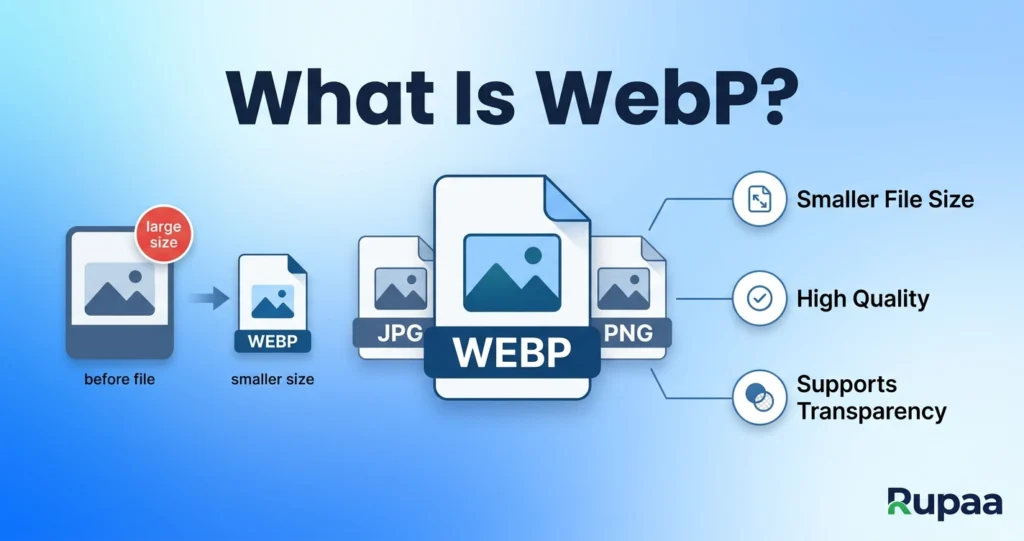
WebP (pronounced “web-pee”) is an image format developed by Google in 2010. It’s now supported by every modern browser and used by most large websites.
But is it always the right choice? Here’s the honest answer.
What WebP does well
- 25–35% smaller files than JPG at the same visual quality.
- Supports transparency like PNG.
- Supports animation like GIF.
- Universal browser support — Chrome, Safari, Firefox, Edge, Opera.
- Lossy and lossless modes — pick the right one for the content.
For web publishing, WebP is often the single best format.
What WebP doesn’t do
- Not universally supported in older software. Photoshop (older versions), Word, and some email clients can’t open WebP.
- Not ideal for archival. Keep a JPG or PNG as your master file, and use WebP for serving.
- Not standard in print workflows. Print shops want JPG, PNG, or TIFF.
WebP vs JPG vs PNG vs AVIF
| Format | File size | Transparency | Browser support |
|---|---|---|---|
| JPG | Medium | No | Universal |
| PNG | Large | Yes | Universal |
| WebP | Small | Yes | All modern browsers |
| AVIF | Smallest | Yes | Modern browsers (2020+) |
When to use WebP
- Website images. Faster pages, better Core Web Vitals.
- Emails you send yourself. WebP is fine within Gmail, Apple Mail, and modern clients.
- Apps and mobile. Smaller payloads, faster loads.
When NOT to use WebP
- Sending to older users. They may not be able to open it.
- Print workflows. Use JPG or TIFF.
- Archival masters. Keep JPG or PNG as your original.
- Email attachments to mixed audiences. JPG is safer.
How to convert to WebP
- Open our Convert Image tool.
- Drop your JPGs or PNGs in.
- Select WEBP as the output format.
- Choose quality 75–85 for photos, or higher for graphics.
- Download.
Everything runs in your browser — no upload, no signup.
Frequently asked questions
Is WebP smaller than JPG?
Yes. At the same visual quality, WebP is typically 25–35% smaller than JPG.
Does WebP support transparency?
Yes. Use it as a replacement for transparent PNGs — the file size is often 60% smaller.
Can all browsers open WebP?
All modern browsers can. That’s over 96% of traffic in 2026. For the remaining few percent, you can serve a JPG fallback.
Should I use WebP instead of PNG?
For web publishing, usually yes. For graphics with sharp edges, WebP works well too. Use WebP unless you specifically need PNG’s guaranteed lossless output.
Is WebP good for logos?
Better than JPG (which blurs edges), and often smaller than PNG. For the best logo quality, though, use SVG.
Try it now
Convert a batch of JPGs to WebP with our free Convert Image tool. Free, private, no upload.